



150+
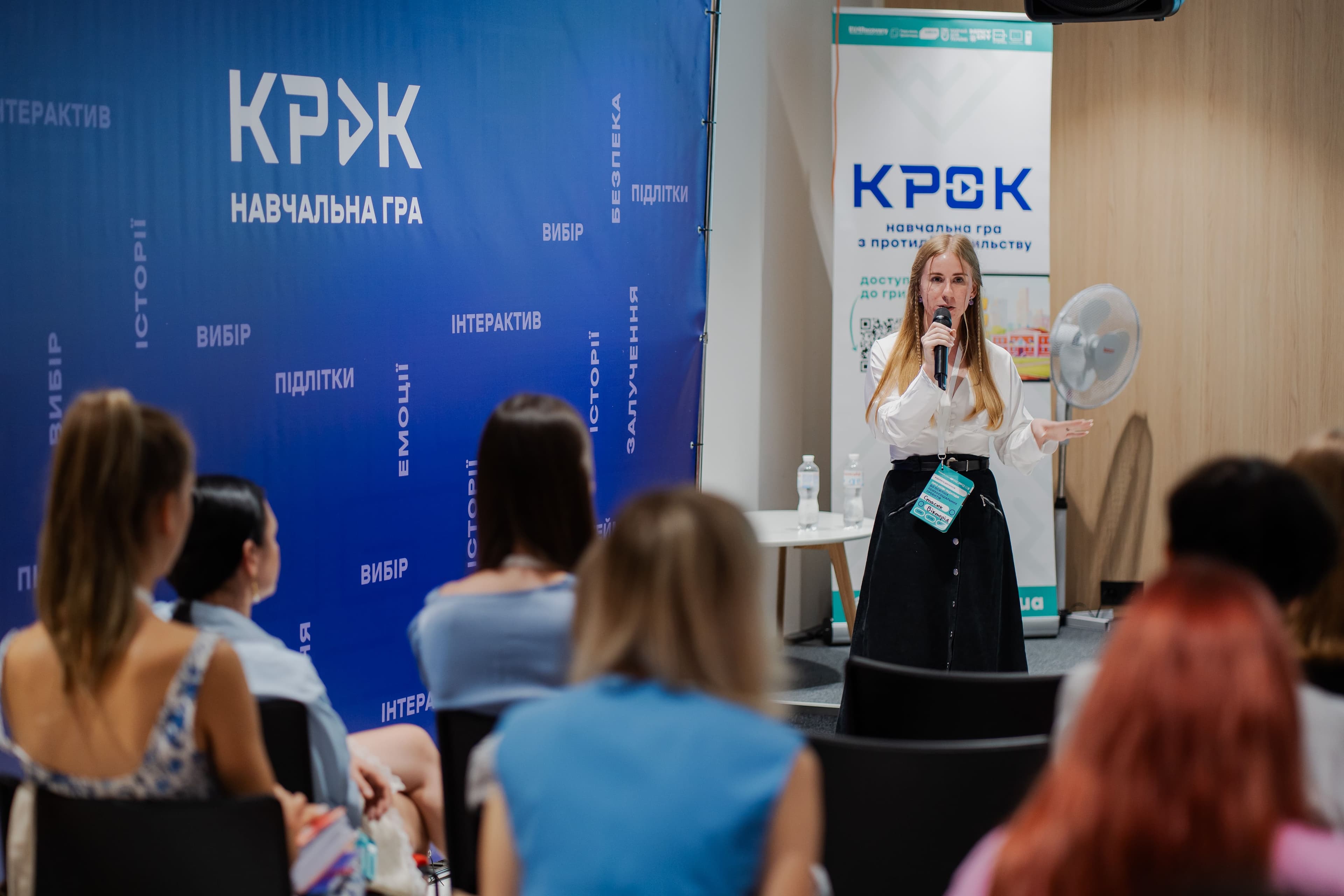
game ambassadors trained
A browser game — a unique tool for psychologists and social workers to work with teenagers, combining fairy tale therapy methods and gamification.
Get the game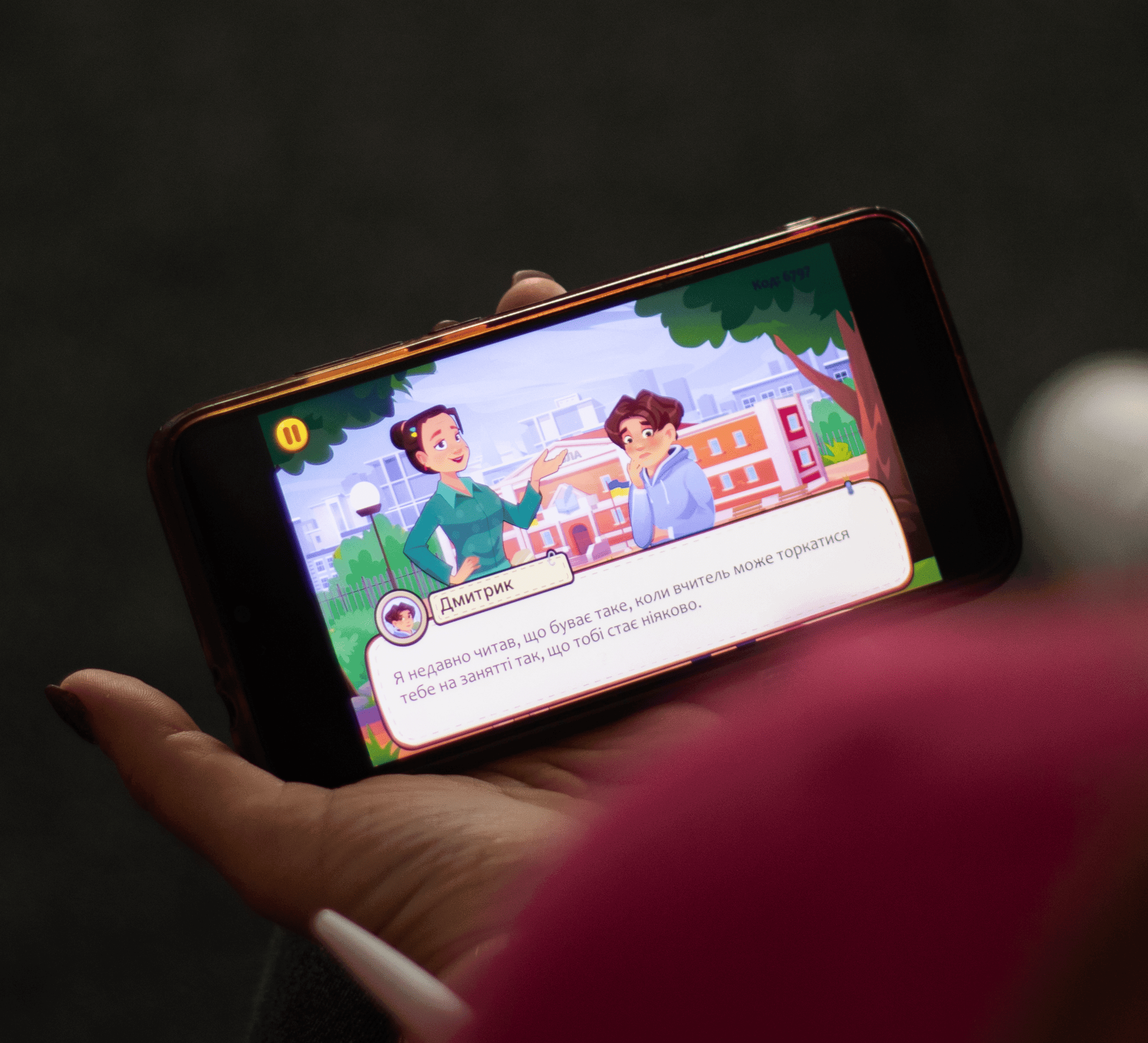
It is a browser game and a new unique tool for working with teenagers for psychologists and social workers. It combines fairy tale therapy methods and gamification.
The game can be used in work with teenagers in grades 5–11.
The game allows teenagers to:

«During the game, the emotional atmosphere of the students changed sharply, it became more lively, interest and curiosity were immediately visible, which prompted them to discussions and deliberations about the situation.»
Verkhniosynyovydnenske General Secondary Education Institution grades I-III
«Children were open during the discussion, debated about bullying and cyberbullying. Together they came up with an algorithm of actions against violence in the class. They willingly shared their knowledge on this topic.»
Center for Professional Development of Pedagogical Workers
«The game is built as close as possible to how teenagers communicate today. The game format is interesting and close to children. The session ended with reflection, where children actively expressed their views on preventing the occurrence of such situations.»
Radyvyliv Lyceum №2 named after P. H. Stryzhak
«Interest, because it's something new! The topics are quite modern, as often heard: «I do that too». Children who often keep silent started speaking and engaging in discussions, eagerly waiting for the continuation of the scenario after choosing an answer.»
Rivne Regional Science Lyceum
«Children really liked the game. They worked actively in class, voted, talked about how such situations can really happen in life. At the end of the game they actively discussed the feelings of the characters and put themselves in their place.»
Hrushivske GSEI grades I-II
Fill out the registration form and receive a link to the game.
Read the methodological guidelines for the game.
Watch the video instructions or the instructions in the game's main menu.
The methodological guidelines are additional materials for psychologists that will be useful when preparing for a lesson. They contain information on correctional and psychoeducational work with people who have experienced violence.
ViewFill out the Google form once, after which you will receive a link to the game. When reopening the form from the same account, the received link will be saved.
Detailed instructions for using the game during a lesson, conducting reflection with students, and theoretical materials for lesson preparation are in the Methodological Guidelines for psychologists.
Yes! When entering the game, select the «Solo» mode. This way you can play independently and see the entire scenario to prepare for a lesson with the class.
Yes, the game broadcasts all events to students' screens. In that case, you will need to provide a link to the room for students, create a game, and provide a 4-digit joining code that will appear on the screen.
It is advisable to have a good internet connection. You can ask students to share internet with each other, sit in a room with a router, or even play from computers in the computer lab.
150+
12000+
5
1000+

Support us financially or join one of our projects — every action matters.
Support Us